A laptop will accumulate some dirt on the display screen, such as dust, fingerprints or other stains after a long time of use. How about cleaning the screen? How to maintain the computer daily? Let's talk about it today.
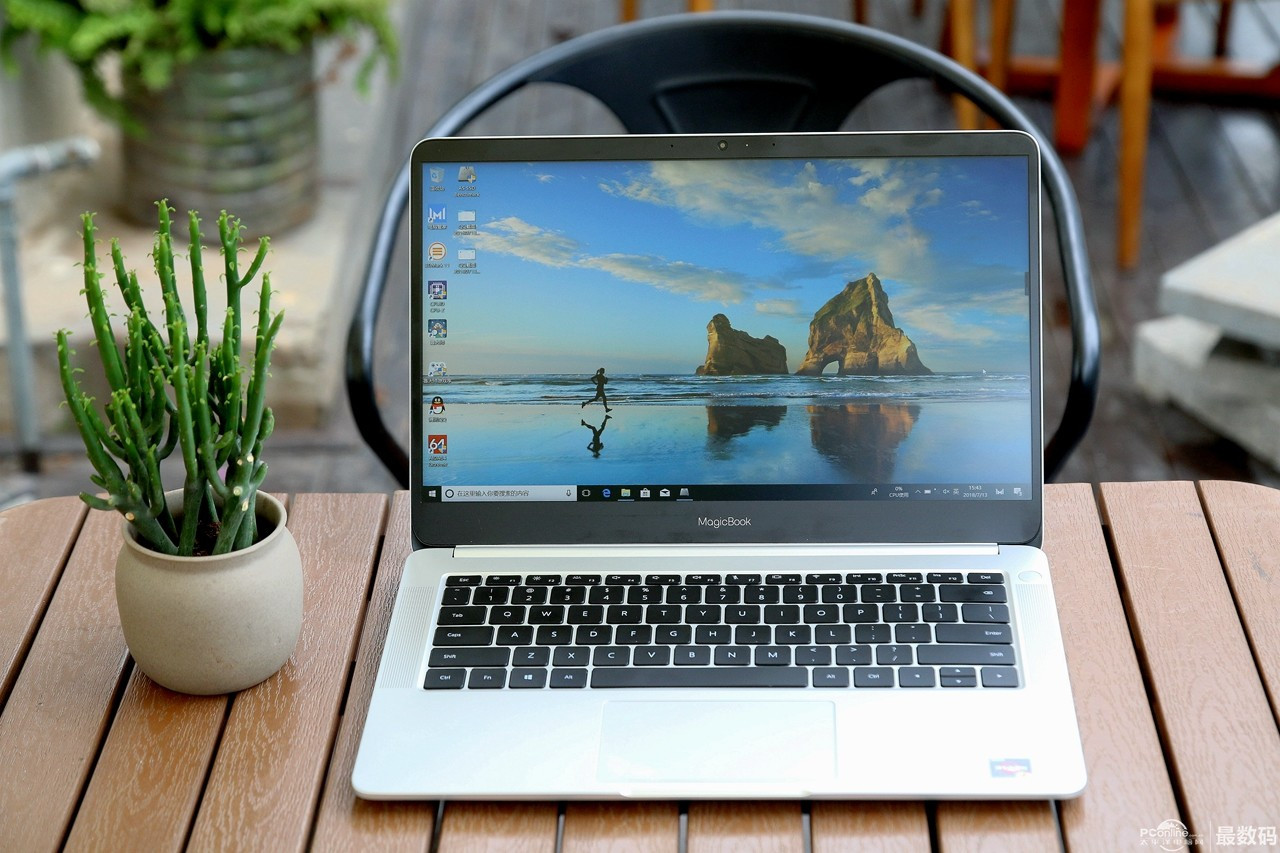
1. How to clean the laptop screen?
1. Soft bristle brush
Use a soft brush to remove the dust from the keyboard slot.
2. Special cleaner
It's easy to see finger marks and hard to clean stains on the display screen, because these stains usually contain oil, so it can't be cleaned with water.
In this case, we can buy a special LCD screen cleaner for cleaning, the price is between 100-200 yuan, usually the special cleaner has detailed instructions. To remind you, try to buy special cleaners in shopping malls. Don't buy some unknown detergents in order to save money, because it is easy to add corrosive chemicals to this kind of goods, which is quite harmful to the screen protection.
3. Water and soft cloth
If there is only some dust on the screen surface, use a soft cloth. If possible, you can also use a high-quality eyeglass cloth. Slightly wet with water and wring dry. Regularly wipe the screen from top to bottom, from left to right, and then use soft toilet paper to dry the water mark.
If you use a rough rag or toilet paper, the notebook display screen is prone to scratches or bad spots after a long time.
2. Daily cleaning and maintenance of notebook computer
1. Maintenance of shell. To prevent wear and tear, for the most vulnerable top cover, we can buy a plastic protective film on the market, and then paste it on the top cover. Although it is not good-looking, it can still play a great protective role, similar to the screen protective film of mobile phones. Some netizens reported that the paint on the corners of the machine is easy to fall off after a long time. Here, we can refer to the protection method of the new TV set, which is to reduce the transparent tape into small strips and stick it to the places where the edges and corners are easy to wear. This will not affect the beauty, but also can play a very good protection role.
2. Attention should be paid when cleaning the shell. In order to prevent accidents, it is necessary to turn off the power supply and remove the battery when cleaning. The shell of some machines is made of composite material containing titanium. It is easy to leave fingerprints on both sides of the shell when opening the screen. It is hard to see for a long time. You can use a wet towel to dip some warm detergent, gently wipe the place with fingerprints to remove sweat and oil stains, and then clean the towel, dry it with a wet towel, and then air dry it naturally.
3. Cleaning and protection of the screen. Notebook inside the most delicate, I'm afraid is the LCD screen, so in daily use to pay attention to the cleaning and maintenance of the screen.
4. The screen is most easily contaminated with dust, usually with dry soft hair brush can be. When necessary, use the special cleaning staff and cleaning cloth to clean the screen dust and fingerprints of the notebook.
5. Do not use hard objects to directly contact the screen, otherwise it will cause permanent damage to the screen.
6. Avoid direct exposure to the screen by strong sunlight, which can easily lead to the aging of the screen.
7. Turn off the screen when you don't use the computer for a long time. In this way, you can not only save power but also reduce the brightness of the screen.
8. The use and cleaning of the keyboard, notebook in daily use will inevitably enter dust, affecting the use of the computer, so in the use of keyboard maintenance has become particularly important.
9. If possible, external keyboard can be selected to reduce the loss of keyboard. Or you can choose notebook keyboard film, which is more convenient, that is beautiful and can protect the keyboard, play to prevent dust and keyboard wear effect.
10. There are two kinds of daily cleaning work: one is thorough cleaning, which needs to remove the keyboard to clean, which is more complex, and it is not very easy for ordinary people to operate; the other is simple cleaning, which can lead to the notebook after shutting down, and gently tap the keyboard with hand to let the debris and dust fall out with the action of gravity; you can use a small soft brush to put the key cap under It can also be removed with compressed air blown out by leather tigers.
11. Some machines have a pointing bar on the keyboard, which is convenient for operation. However, there is a rubber cover on the general mouse rod. If the user often uses very hard, the rubber sleeve will deteriorate and fall off after a long time of use. Therefore, we should pay more attention to protection at ordinary times. At ordinary times, we should also pay attention to prevent direct sunlight. Pay attention to personal hygiene when using it at ordinary times, reduce the cleaning of the pointer rod, so as to reduce the consumption.