Nowadays, the functions of mobile phones are more and more powerful, but the service life has always been a pain in the hearts of many users. So how to save power and get rid of the trouble of carrying the power bank? This is to share with you a few cell phone power saving tips.
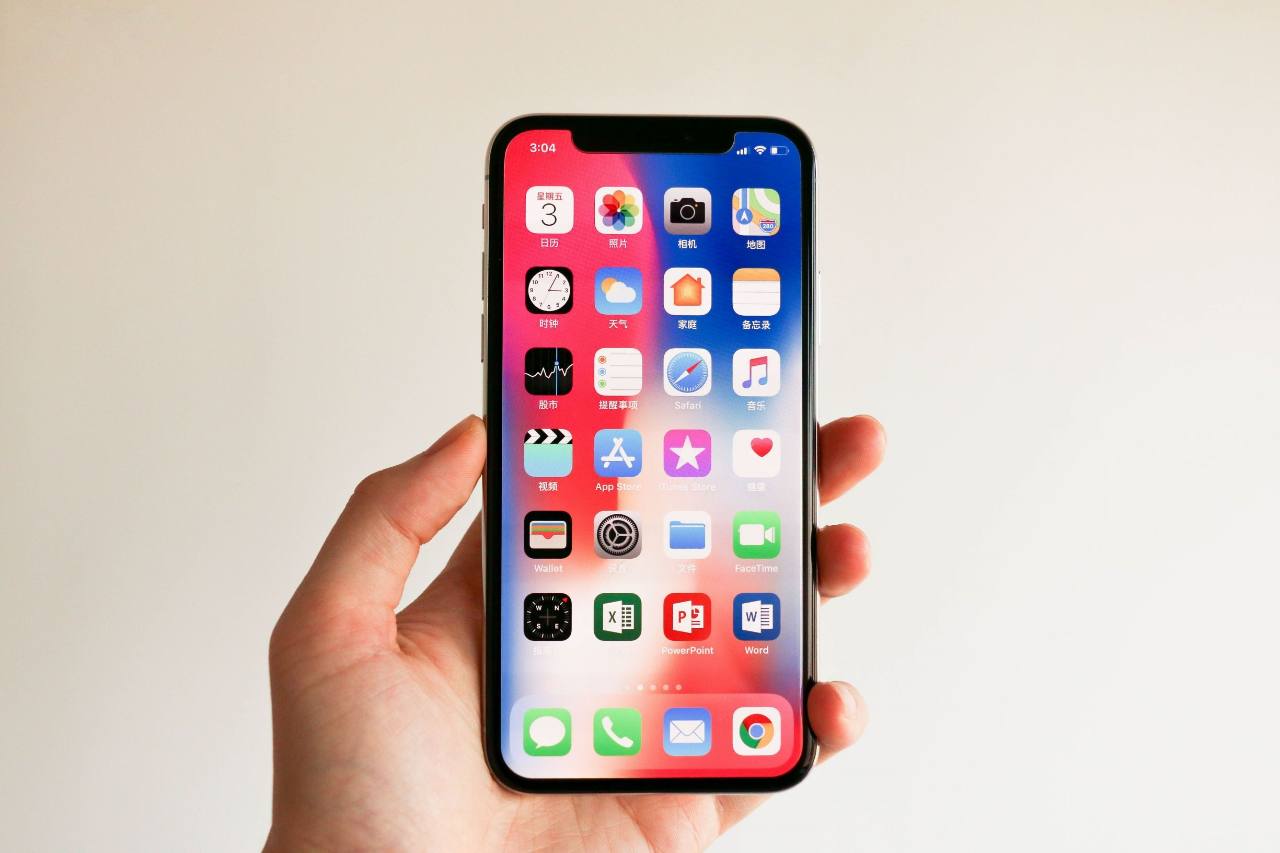
Power saving tips for mobile phones:
1. Keep the phone cold
Too high temperature of mobile phone will also affect the battery life. Don't often expose the mobile phone to high temperature. For example, when you go to the beach, don't expose your mobile phone to the beach. It's not good for your phone's battery life.
2. Turn off the screen brightness
The most battery consuming part of the mobile phone is the screen. Turning down the screen brightness as much as possible can extend the battery life of several hours at most. Although some mobile phones have the setting to automatically adjust the screen brightness according to the brightness, you have to turn off the screen to save power. Just set the screen to the way you feel comfortable. Again, setting the screen to a minimum can extend the battery life of several hours.
3. Reduce screen timeout
The screen is usually in 30 seconds, one minute After such a period of time, it will be dimmed automatically. It is the most reasonable to set a reasonable timeout according to the frequency of your mobile phone lighting. It can save a lot of electricity.
4. Don't forget the power saving mode
Many mobile phones have a special power-saving mode, such as turning off different radios, WiFi, Bluetooth, etc. But this has a great impact on the system performance. It's best to turn this on when you need to save power. Some phones have a setting, for example, to enable auto save mode when the battery is only 30%.
5. Turn off the mobile phone vibration
A lot of people don't realize that the vibration of the mobile phone needs a lot of power, and it's better to turn off the phone if it's unnecessary.
6. Turn off the useless radio
Radio, WiFi, Bluetooth, GPS, all of which consume batteries. If you don't use Bluetooth, turn off your Bluetooth headset. Remember to turn off GPS when you don't navigate.
7. Turn off touch feedback
Many mobile phones have a touch feedback, and when you press the keyboard, there's a small vibration feedback. Turn it off if you don't really need it.
8. Restart
Sometimes when the mobile phone is very crowded, all kinds of applications are stuck on the mobile phone. It is very useful to restart the mobile phone decisively and clean up the messy background applications.
9. Turn off app notification
This function will tell you what's going on behind your back. Once connected to the Internet, these app announcements will come and go. This is very power consuming, and many apps have this function. Especially for the iPhone, the pop-up app notification really consumes a lot of power.
10. Flight mode
You can't do anything in flight mode, but in this mode, your equipment hardly consumes electricity. Flight mode can also be quickly activated in the notification center. When playing large-scale stand-alone games, it is recommended to fly.
11. Battery off percentage
It doesn't save electricity, but it prevents you from worrying about the power consumption. You can turn off the display of battery percentage in Settings > General > usage.
12. Disable some background application refreshes
Go to Settings > General > background app refresh, and you can decide which apps can refresh content in the background in Wi Fi or mobile networks, or use location-based services. In addition to setting up individual apps, you can simply turn off this feature completely.
13. Reduce dynamic effects
Turn off the dynamic wallpaper and dynamic effects of Android. For Apple users, IOS 7 adds an interesting parallax effect. When you move your device, the wallpaper will shift slightly to create a 3D effect. But it may also affect the endurance. You can turn it off in Settings > General > accessibility > reduce dynamic effects.
Mobile phone battery maintenance
Try to avoid charging when the charge is less than 20%
Do you have the habit of charging before going to bed and pulling out the charger when you wake up? Maintenance Jun is here or suggest that the fans unplug the charger in time after the phone is fully charged. Try to avoid long-term floating charge after sleeping, although once or twice will not have a great impact, but over time, it will inevitably accumulate deterioration and shorten the service life of the battery.
When the battery is full, unplug the charger as soon as possible
Due to the chemical properties of the battery, it is more sensitive to temperature. At ordinary times, in addition to avoiding high temperature environment, it is also necessary to avoid charging while using the mobile phone, especially when playing games and making phone calls. Because in this scenario, the heat production of the battery is very large, which is easy to lead to high temperature. Side effects occur inside the battery, accompanied by gas generation, and the battery will bulge over time.
High temperature affects battery life
Try to use the official standard charger and data line, because different brands of chargers and data lines have differences in charging specifications and fast charging principle. In addition to the fast charging function, hybrid chargers may have unstable voltage and current, which may affect the battery life and even have certain security risks. Using the standard charger and data cable to charge the battery can ensure the best charging experience.